
Feature
Customer satisfaction surveys
Find out how customers really feel before they tell everyone else. Send a quick “how did we do?” rating or a “would you recommend us?” question by text — where it actually gets read and answered — and watch the results roll up so you can spot what’s working and what needs fixing. Fire off a one-to-one survey from the composer after a key job, so feedback becomes real data you can act on instead of a gut feeling. (These are the standard CSAT and NPS surveys — you don’t need to know the acronyms to use them.)
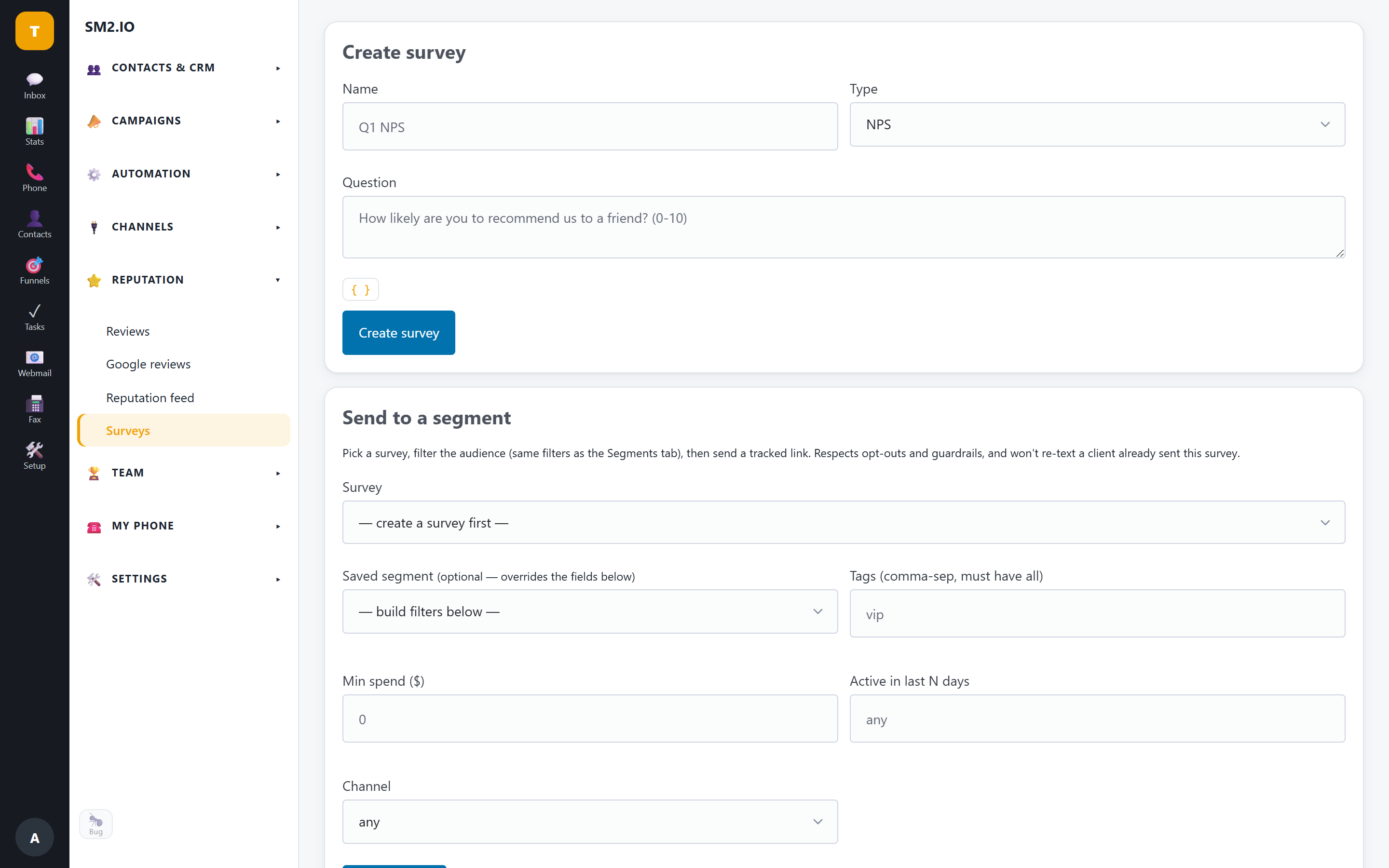
What it does
- Satisfaction (“how did we do?”, CSAT), loyalty (“recommend us?”, NPS) and custom surveys
- Tracked survey sends by text
- Easy response reports
- Send a survey to one customer from the composer
- Survey outcome routing — a completed survey triggers automations by score band (review request, recovery task, assignment) and writes answers back onto the contact
Highlights
- Satisfaction (“how did we do?”) and recommend-us surveys, plus custom questions
- Tracked text sends + easy response reports
- Send a survey to one customer from the composer
Why it matters for your business
Find out how customers actually feel by asking two simple questions in the text conversation: “how did we do?” (a satisfaction rating, sometimes called CSAT) and “would you recommend us?” (a loyalty score, sometimes called NPS). Results attach to the contact, so you catch the unhappy customer before they leave a bad review — and spot the happy one worth asking for one.
Questions & answers
What's the difference between surveys and reviews here?
A survey is private feedback you act on internally (“how did we do?”); a review request points a happy customer to your public Google/Yelp/Facebook profile. Both send by text from the same platform.
Related features
Reviews & reputation
The fastest way to more 5-star reviews is to ask by text at the right moment. Send tracked review invitations, respond…
Explore Reviews & reputation →Contacts & CRM
Every conversation, call, payment and review rolls up onto one contact record with a full timeline — plus custom fields…
Explore Contacts & CRM →Analytics & reporting
See what's actually happening: response times, first-response speed, who's answering fastest, call and message volume,…
Explore Analytics & reporting →